Ossuary
A first-person horror prototype written in HolyC. You are in a catacomb with a lantern. Five relics are scattered through it, an iron gate is the only way out, and something tall walks the corridors listening for you.
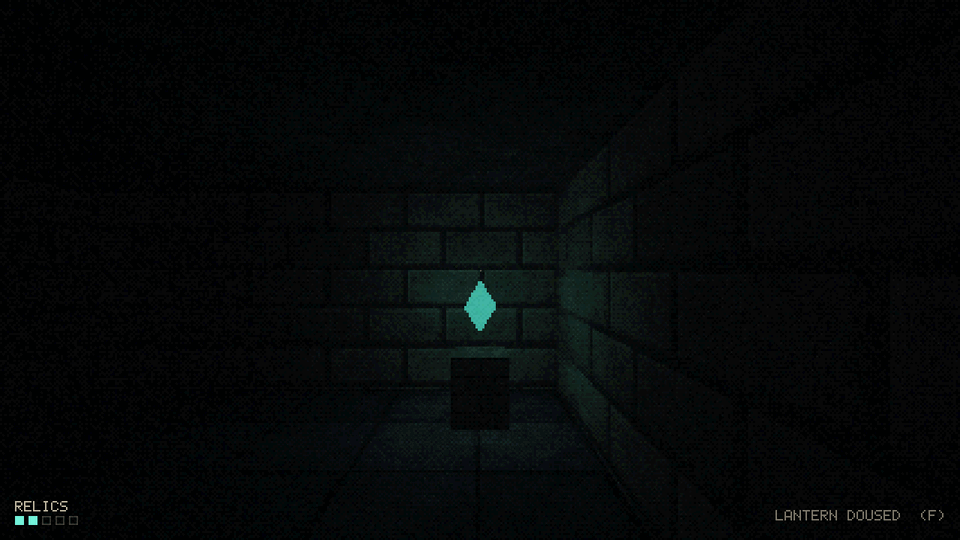
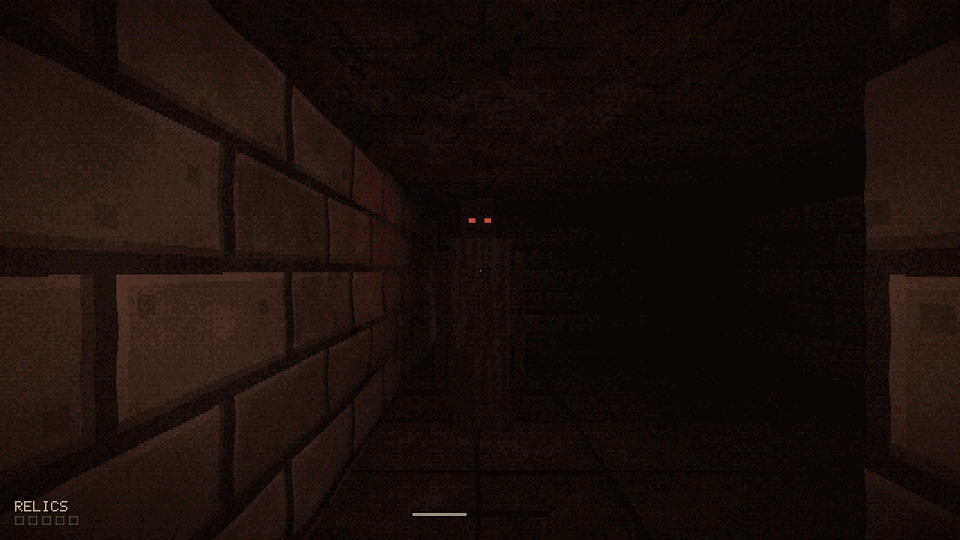
Gameplay preview: staged shots captured from the game's own renderer, with scripted input. See Build and test.
What this project is
Ossuary is a small, complete game built to answer one question: can HolyC carry a real 3D game outside TempleOS? The answer here is yes, with caveats.
- HolyC is the primary language. Game state, entities, enemy AI, collision, pathfinding, procedural textures, the bitmap font, HUD, menus, and the renderer's draw logic are all HolyC.
- It compiles to a normal native program. The hcc compiler turns the HolyC source into an x86_64 or AArch64 executable for Linux or macOS. No VM, no emulator.
- SDL2 and OpenGL do the platform work. SDL2 provides the window, input, timing and the GL context. OpenGL 3.3 core does the drawing. HolyC calls both directly through
extern "c"declarations, so there is no C or C++ glue code in the repository.
 |
 |
What it is not
This is not a TempleOS port and does not run TempleOS programs.
TempleOS is a whole operating system: its own kernel, a 640x480 16-color graphics model, the DolDoc document format, a JIT that compiles at the shell, and a standard library that assumes ring-0 access to everything. Ossuary uses none of that. It uses the HolyC language (as implemented by hcc, which differs from Terry Davis's compiler in places) and treats the host OS the way any C program would. Code written for TempleOS's graphics or document APIs will not compile here.
Platform support
| Platform | Status |
|---|---|
| Linux x86_64 | Builds, tests pass, playable |
| Linux AArch64 | Expected to work, untested |
| macOS (Intel and Apple Silicon) | Expected to work, untested |
| Windows 10 21H2+ / 11 | Through WSL2 and WSLg, untested |
Windows
hcc emits Linux and macOS binaries only. There is no Windows backend, so there is no native .exe. On Windows the game builds and runs inside WSL2, and WSLg shows the window on the Windows desktop.
Where to start
- New here: Setup, then Build and test.
- Just want to play: Controls and Gameplay.
- Changing code: Architecture, then Contributing. Read the hcc compiler issues before writing any float logic.